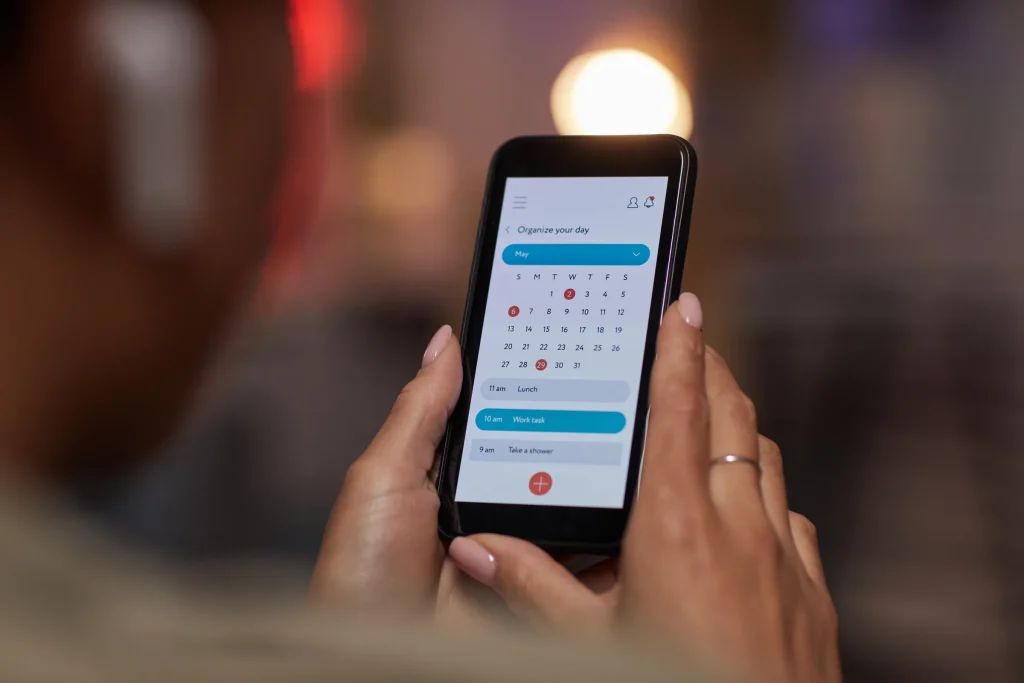
AI appointment scheduling lets customers book, confirm, and reschedule without waiting for someone to call them back. For a shop, clinic, or service company, it turns a missed call or an after-hours website visit into a time on the calendar instead of a lost lead.
Infinite Marketing sets up AI appointment scheduling for businesses across the Atlanta metro that run on appointments: auto repair and collision shops, HVAC and plumbing companies, healthcare and wellness practices, law firms, real estate teams, and other service providers. We focus on the full booking journey, from first contact to the reminder the day before.
Where bookings get lost
Most scheduling problems are not about the calendar itself. They happen in the gaps between a customer wanting an appointment and actually getting one.
- The phone rings during a job or a patient visit, and the caller does not leave a voicemail.
- Someone fills out a contact form at 9 p.m. and gets a reply the next afternoon.
- Booking requires two or three calls back and forth to find a time that works.
- Customers forget the appointment because no reminder went out, or the reminder had no easy way to reschedule.
- Staff spend part of every day confirming, moving, and re-entering appointments by hand.
What’s included in AI appointment scheduling
Missed-call recovery
When a call goes unanswered, the customer can receive a text that acknowledges the call and offers a booking link or a quick conversation with an assistant to find a time.
Conversational booking
For online booking, a chat or voice assistant asks the questions you would ask, such as service type, location, vehicle, or reason for the visit, and offers open times that fit your rules.
Calendar sync
Bookings are written to the calendar or scheduling system you use, and availability is read from it, so the assistant does not offer times that are already taken. The exact connection depends on your system.
Reminders and confirmations
Confirmation messages go out when an appointment is booked, and reminders go out ahead of time with the details customers need, such as address, what to bring, and how to reschedule.
Easy reschedules and cancellations
Customers can move or cancel through a link or reply, and the freed slot becomes available again instead of sitting empty.
Staff notifications
Your team is notified of new, changed, and cancelled appointments, including those made through online booking, with the details collected during booking attached.
How scheduling automation reduces no-shows
No-shows usually come from a few predictable causes: the customer forgot, their plans changed and canceling felt like a hassle, or they were not sure the appointment was still on. Each has a straightforward response.
- Timely appointment reminders. A reminder at a sensible interval before the appointment, and sometimes a second one closer to the time, keeps it top of mind.
- One-step rescheduling. When moving an appointment is easy, customers are more likely to reschedule than to simply not show up.
- Clear details. Address, parking, preparation instructions, and what to expect reduce uncertainty.
- Confirmation requests. Asking customers to confirm gives your team early warning about appointments that may not happen, so you can fill the slot.
We set the timing and wording of appointment reminders with you, because what works for a dental cleaning booked weeks ahead is different from a same-day AC repair.
Booking rules you control
A scheduling assistant should follow your business rules, not invent its own. During setup we define appointment types and durations, buffer times between jobs, service areas for on-site work, which staff or bays can take which jobs, how far ahead customers can book, and which requests must go to a person, such as emergencies, large projects, or anything needing a quote.
Keeping a person in charge of those rules is good practice for any automated tool; the NIST AI Risk Management Framework is a useful plain reference if you want to read more about overseeing AI systems.
For healthcare and other regulated businesses, appointment details can include sensitive information. We keep the data collected to the minimum needed and recommend reviewing the setup with your compliance advisor.
How it works
-
Map your booking process
We document how appointments are made today, the questions you ask, the rules you follow, and where customers drop off.
-
Connect your calendar
We review your scheduling system or calendar and set up the connection so availability and bookings stay in sync.
-
Build the booking flows
We configure missed-call texts, chat or voice booking, confirmations, appointment reminders, and reschedule options using your wording.
-
Test with real scenarios
We run through common and unusual bookings, including double bookings, after-hours requests, and emergencies, before going live.
-
Review and refine
After launch we review booked, rescheduled, and missed appointments with you and adjust timing, wording, and rules.
How to prepare for AI appointment scheduling
A little preparation makes setup faster and the first weeks smoother. Before we start, it helps to have:
- A list of the appointment types you offer, with typical durations and any buffer you need between them.
- Access to the calendar or scheduling system that online booking will read from and write to.
- The wording you already use for confirmations and appointment reminders, or notes on what customers usually ask.
- A short list of requests that should always go to a person, such as emergencies or jobs that need a quote.
- The times you most often miss calls, so missed-call recovery can be set up where it helps most.
Why work with Infinite Marketing
AI appointment scheduling sits at the end of your marketing. We also work on the parts that come before it, such as your website, Google Business Profile, and ads, so we can make sure the booking option shows up where customers are already looking and that tracking shows which channels lead to appointments.
We keep setups practical. If your current scheduling software already handles reminders well, we will use it rather than replace it. If a request is better handled by a person, the assistant will hand it off. Scheduling can also connect to AI phone agents for callers and CRM automation for follow-up after the visit.
Frequently asked questions
Does AI scheduling work with my existing calendar?
Many common calendars and scheduling systems can be connected. We check your system during setup and tell you plainly whether it will sync directly or needs a workaround.
Can customers still call and talk to a person?
Yes. Automated booking is an option, not a wall. Customers who want to speak to someone can, and requests outside your rules are passed to your team.
What is missed-call recovery?
When a call goes unanswered, the caller can receive a text acknowledging the call and offering a way to book or get help. It gives people who would have hung up and called a competitor a reason to stay.
How many reminders should we send?
It depends on how far ahead appointments are booked and the type of service. We usually start with a confirmation and one or two reminders, then adjust based on how your customers respond.
Do I need consent to text customers?
Text messaging is subject to consent rules, and the requirements depend on the type of message. We build opt-in and opt-out into the flows and recommend confirming your obligations with your legal advisor.
Pricing
Voice assistants for your website and AI agents that answer calls. One-time fees and monthly services are always shown separately.
A voice assistant on your website, built on Infinite Chats Calls.
$699
setup
+ from $149/mo after launch
- Setup: voice assistant added to one website
- Voice and greeting configured for your brand
- Trained on up to 25 pages or documents you approve
- Caller details captured and emailed to your team
Never miss a call
An AI agent that answers your business line, captures details and routes calls.
$999
setup
+ from $249/mo after launch
- Setup: one phone line (a new local number or forwarding from yours)
- Call flow designed with you: greeting, questions and transfers
- Trained on your services, hours and FAQs
- Call summary emailed after every call
See full pricing, limits and upgrades